Pipelines stop being code the moment they need an address or a record. Micetro exposes DNS, DHCP, and IPAM (DDI) through a REST API and an Ansible collection, so address and record operations become versioned, reviewable steps instead of tickets.
Why does an automated pipeline still stall when it needs an IP address or a DNS name?
Because DNS zones, IP address space, and DHCP scopes usually sit behind a console or a help desk rather than behind an API.
Automated platforms need answers at machine speed, and a manual back-office step or a spreadsheet of addresses becomes the slowest part of an otherwise automated build.
The underlying problem is fragmentation. DNS, DHCP, and IP address management are typically spread across siloed systems with separate consoles, separate permissions, and separate audit trails, which leaves no single place a pipeline can ask for an address or assert a record. Every environment then grows its own workaround, and the workarounds are where the manual steps live.
The requirement is not only accuracy. A DDI layer has to deliver provisioning at the speed the pipeline was designed for and act as one authoritative source of truth for addresses and scopes. Decentralized management, or an IP address spreadsheet, produces overlapping space and stale entries that automation then propagates at scale.
52%
52%
More than half of organizations name network complexity as one of their biggest challenges in managing DNS, DHCP, and IP address management.
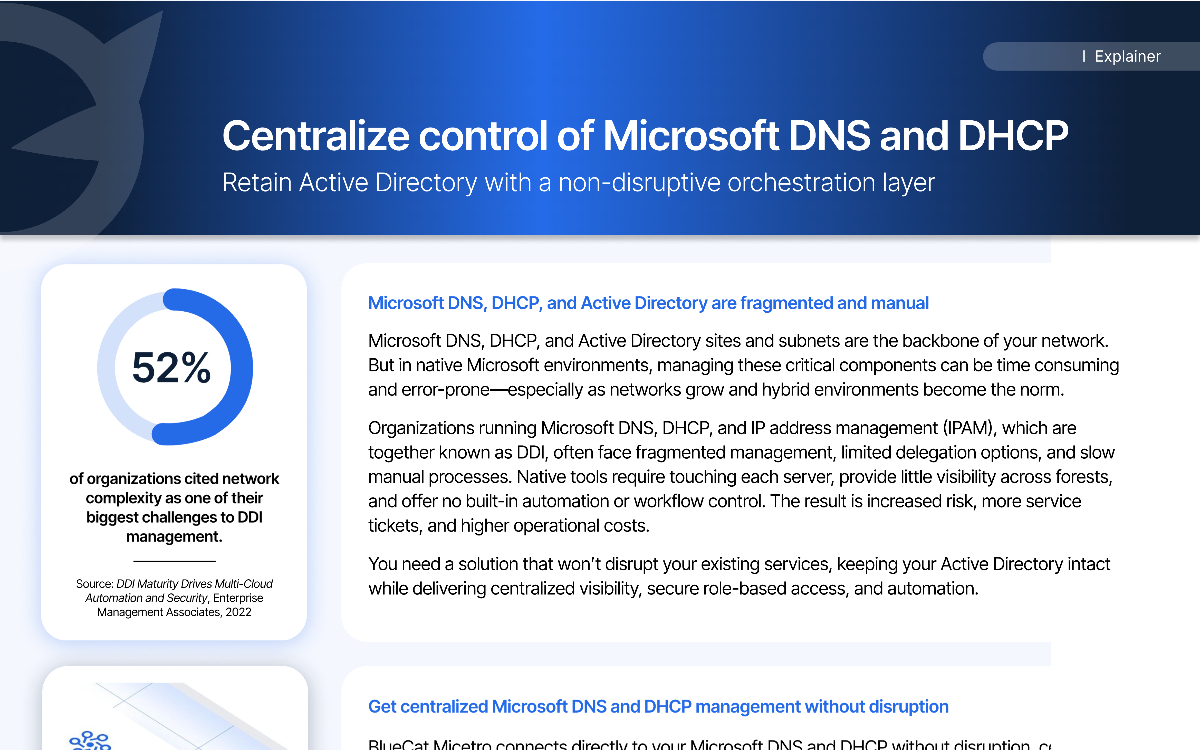
Learn with BlueCat how visibility and control, process automation, and infrastructure reliability offer three reasons to adopt Unified DDI.
5 min·Blog
Read more →
· 02 — THE API AS THE CONTROL PLANE
What does an API-first DDI control plane give an automation team?
It gives every DNS, DHCP, and IPAM object a resource path that standard HTTP methods can create, read, update, and delete.
That turns record and address operations into pipeline steps, and the interactive Swagger documentation lets an engineer prove each call by hand before it ever runs unattended.
There is a difference between a platform that has an API and one that is API-first, and BlueCat’s Ronny Wolf spelled it out on the Packet Pushers Heavy Strategy podcast. When features are built for the user interface and an endpoint gets added afterwards, coverage is uneven, authentication differs from module to module, and the integration promised in the sales cycle ends in workarounds or a consulting engagement once the product is deployed. When every function is an API and the interface is just one consumer of it, nothing is reachable from the console that is not reachable from a token.
Micetro is built the second way. Nearly all DDI functionality is exposed through REST endpoints spanning Microsoft, BIND, Kea, Cisco, cloud platforms, and appliances, and the browser interface runs on the same API a playbook would call. Start in the interactive Swagger documentation with the identity the pipeline will actually hold rather than an administrator account, because an exploratory call that succeeds as a full admin can fail later under the automation role. Session-based bearer tokens are the recommended authentication path, with least-privilege roles, short-lived tokens, and credentials pulled from environment variables or a secrets vault instead of being hardcoded.
Open platforms and API-first architecture enable intelligent network operations, automation, and AI-driven workflows across hybrid enterprises.
27 min·Blog
Read more →
· 03 — ANSIBLE AS THE EXECUTION LAYER
How do you set up Ansible to manage DNS, DHCP, and IPAM tasks?
Run Ansible on a Linux control machine, install the Micetro collection from Ansible Galaxy, then point Ansible at the DDI API through an inventory plugin instead of a static hosts file.
From there, playbooks perform real IPAM actions such as claiming the next available address.
A Linux control machine is the practical baseline, because running Ansible on Windows through the subsystem for Linux is awkward. Installing the Micetro collection builds out the plugins and modules needed to reach the Micetro APIs, and those extend Ansible’s core capability rather than replacing it. Check the current collection name and supported Ansible and Python versions against the product documentation before you build, because both move with the release train.
Configuration comes down to three files: a group_vars file holding the provider URL and the automation account’s credentials; an ansible.cfg that enables the Micetro inventory plugin and points at the inventory file; and the inventory file itself. Encrypt those credentials with Ansible Vault or pull them from a secrets store rather than leaving them in plaintext, give the account the same least-privilege role you would give any REST API user, then run a first playbook such as claiming an IP and confirm the result in Micetro.
The BlueCat Micetro REST API provides a unified, standards-based interface to automate and integrate DNS, DHCP, and IP address management across Microsoft,…
14 min·Blog
Read more →
· 04 — WHAT GIT ADDS ONCE DDI IS PROGRAMMABLE
What does putting DNS and IPAM changes in Git actually give you?
It moves DNS and address changes from a request to a reviewable artifact.
The playbook or task that creates a zone, record, or reservation lives in a repository, so the change gets a diff, an author, an approval, and a revert path before it ever reaches the network.
The pattern is the same one applied to servers and firewall rules. Desired state is declared in a file, the file is reviewed like any other code change, and the pipeline applies it. Because the DDI layer exposes each object as a resource, the task that asserts a record is small enough to read in a pull request, which is what makes review meaningful rather than ceremonial.
Git records intent, not outcome, and that distinction matters in DDI. A merged commit says what the team meant to change. The platform’s event history endpoints say what actually changed, including anything applied outside the pipeline, and custom properties such as owner, environment, and cost center let that history carry ownership context. Teams that automate seriously reconcile the two and treat a difference between them as drift to investigate rather than noise.
Create consistent DDI (DNS, DHCP & IPAM) automation workflows using one REST API, no matter where your workloads currently reside or will reside in the…
8 min·Blog
Read more →
· 05 — GOVERNING WHO AND WHAT THE PIPELINE CAN CHANGE
How do you keep automated DNS and DHCP changes under access control?
Scope the automation account with role-based access control at the DDI layer, not at each individual console.
Granular roles over DNS and DHCP let a pipeline hold exactly the rights its tasks need and nothing more, tied to existing directory identities.
Managing access to Microsoft DNS and DHCP environments is simpler when permissions live in one place rather than being reassembled per server and per console. Role-based access control at the orchestration layer applies to human administrators and automation identities alike, and can be delegated against Active Directory or Entra ID groups.
That matters most once code is doing the changing. A least-privilege role is the difference between a playbook that can create a record in one zone and a playbook that can rewrite the namespace, and it is set once rather than negotiated per request.
BlueCat Micetro simplifies managing access to Microsoft DNS and DHCP environments with robust Role-Based Access Control.
1 min·Blog
Read more →
· 06 — WHAT TO REQUIRE OF THE PLATFORM
What should teams look for in a DDI platform for Ansible and Git-based infrastructure-as-code pipelines?
Require an API that exposes nearly all DDI functionality as resources, token-based authentication with least-privilege roles, filterable and pageable bulk endpoints, queryable change history, and a maintained automation collection.
Each of those is the inverse of a failure mode that shows up once pipelines start writing to DNS, DHCP, and IPAM.
Coverage comes first: a resource-based REST control plane spanning Microsoft, BIND, Kea, Cisco, cloud platforms, and appliances, so one interface serves the whole estate. Then scale controls, including filtering, sorting, offset and limit paging, and bulk endpoints that accept batch payloads and return per-object success or failure rather than a single pass or fail.
Then governance: custom property definitions for metadata such as owner, environment, and cost center; strict role-based access control; structured error handling with full request and response logging; rotated service credentials; and history endpoints for auditing. Practical tool support for Postman, PowerShell, and Python is what makes the rest usable day to day.
100records per chunk
100 records per chunk
Large result sets and bulk jobs should be paged and processed in chunks, with roughly 100 records at a time offered as a working starting point to avoid memory and timeout failures in unattended automation.
Today’s enterprise networks span data centers, cloud environments, and distributed edge systems. DNS, DHCP, and IP address management (together known as…
13 min·Blog
Read more →
We work with hybrid Microsoft DNS estates, lean IT teams modernizing without rip-and-replace, and DDI consolidation programs, including teams putting DNS, DHCP, and IPAM under Ansible and Git for the first time.
· 07 — MAKING MICROSOFT DNS AND DHCP AUTOMATABLE IN PLACE
How do lean teams make existing Microsoft DNS and DHCP pipeline-ready without replacing them?
Overlay them. Micetro connects agentlessly to existing Microsoft DNS and DHCP servers and Active Directory sites and subnets, and presents zones, records,
scopes, and leases through one management interface and API, so automation gains a single programmable surface over infrastructure the team already runs.
Native consoles were not built for this. Administrators rely on separate management consoles for DNS, DHCP, and sites and subnets, permissions are assigned differently in each, and audit logs are separate, which makes troubleshooting and rolling back changes difficult. Managing hundreds or thousands of records and leases manually across sites is neither sustainable nor scalable.
The overlay adds what automation needs and Active Directory stays intact. Role-based access control delegates against directory or Entra ID identities, multi-forest visibility puts DNS and DHCP data from several forests in one view, and full audit logging covers pipeline-driven change alongside manual change. Nothing has to be migrated for the API to become the way work gets done.
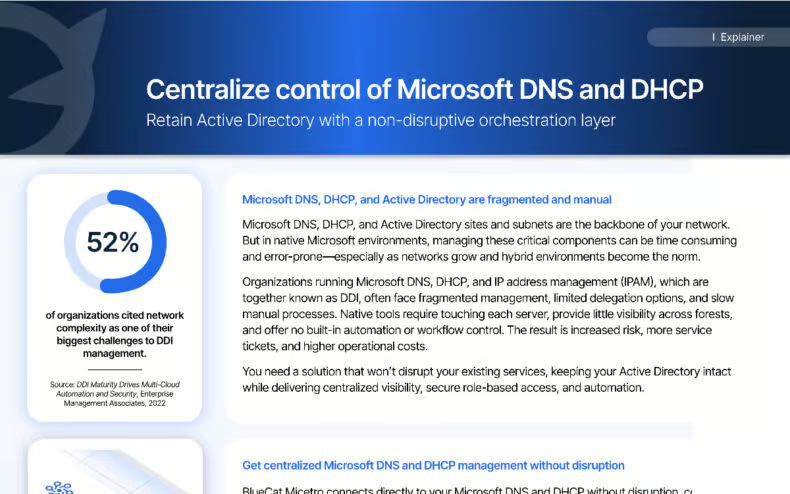
With Micetro, integrate, orchestrate, and automate your current DNS, DHCP, and IPAM network infrastructure via a single web interface.
5 min·Page
View Micetro →
· 08 — Paths forward
Which path into DDI automation fits your pipeline today?
Three paths cover most situations, separated by how much of the estate is already programmable and how much manual change the team is still absorbing. Each one builds on the same API surface, so starting small does not create rework later.
PATH 01
No automation in place yet and no appetite for risk
Prove the API in a sandbox first
Use the interactive Swagger documentation to create records, ranges, and scopes by hand against real endpoints, using the same account the automation will hold. Confirm the object model and response shape, then keep those calls as the basis for versioned tasks. Nothing runs unattended until it has already run by hand.
Builds are already code-driven except for DNS and IP allocation
Move address and record steps into Ansible and Git
Stand up a Linux control machine, install the Micetro collection, and drive inventory through the API plugin rather than a static hosts file. Start with a single IPAM action such as claiming an address, commit the playbook so the change gets a diff and a reviewer, and expand from there.
Microsoft-dependent estate, lean team, no migration budget
Overlay Microsoft DNS and DHCP for one programmable surface
Bring existing Microsoft DNS, DHCP, and site and subnet data under one management interface and API without replacing the servers. Least-privilege roles, unified audit history, and rollback then apply to automated change as well as manual change.
Common questions from teams putting DNS, DHCP, and IPAM under version control.
It is not recommended. A Linux control machine is the practical baseline, because running Ansible on Windows through the subsystem for Linux is awkward to set up and maintain. Check the current supported Ansible and Python versions in the product documentation, since minimums change with each collection release.
No. Automation against a DDI API works differently: rather than building an inventory list of managed nodes, Ansible uses the inventory plugin from the Micetro collection, configured through ansible.cfg and an inventory file that holds the Micetro API URL and credentials, so the address space itself is the source of inventory.
Never hardcode them. Use session-based bearer tokens for automation, store them in environment variables or a secrets vault, keep tokens short-lived and rotated, and assign least-privilege roles to API accounts. Authentication attempts should be audited through event history.
Review before the change, and a revert path. The repository holds the proposed change, the diff, the approver, and the previous version. The platform’s event history holds what actually landed. Together they show intent and outcome, and any difference between them points to a change made outside the pipeline.
Yes. Micetro’s event history endpoints let a team query every change made to a resource and audit user actions over time. Custom property definitions can attach metadata such as owner, environment, and cost center, so automated changes carry ownership context.
Yes. Micetro connects agentlessly to existing Microsoft DNS and DHCP servers and Active Directory sites and subnets as an orchestration overlay, and presents zones, records, scopes, and leases through one interface and one REST API. The Microsoft services keep running as they are and Active Directory stays intact.
We’re using cookies on this website to improve your experience. Cookies help us learn how you interact with our website and remember you when you come back so we can tailor it to your interests.
To learn more about cookies and how we use them, read our cookie notice.
Some cookies are essential, while others help us to improve your experience by giving us insight into how you are using our website. You may adjust your preferences for non-essential cookies below.
To learn more about cookies and how we use them, read our cookie notice. You can also review our privacy policy for more details on the personal data we collect, use, hold, and disclose when you visit our website or use our products and services.
Functional cookies
Functional cookies are essential cookies that allow us to remember choices or changes you have made (such as to language settings or your choices regarding the use of cookies). These cookies cannot be turned off since they are essential for the operation of our Websites.
Analytics cookies
Analytics cookies are non-essential cookies that collect information on how visitors use our Websites. We use this information with your consent to measure the number of visitors to our Websites, determine whether specific content or communication has been viewed, and to help us improve our Websites and communication. These cookies can be turned off.
Personalisation Storage
Personalisation cookies are non-essential cookies that collect information when you fill out a form on this website. We only use this information with your consent to pre-fill other forms on the site. These cookies can be turned off.
Marketing cookies
Marketing cookies are cookies that are placed by third parties to collect information about your visits and actions on our Websites so that they or we can deliver ads to you later, such as when you are on certain third-party sites or platforms. These cookies may be used by those third parties to build a profile of your interests and show you relevant ads on other websites. These cookies also enable visitors to our Websites to share content on social networks and to enable and evaluate interactions with our communication and social media tools. These cookies can be turned off.







 Article