Micetro 101
Explore a walkthrough of the Micetro user interface and main features.
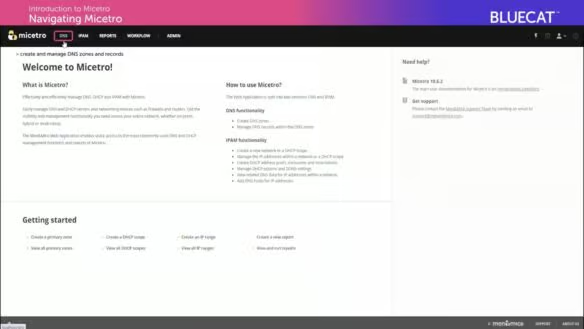
Introduction to Micetro: DNS Management
Explore a walkthrough of the DNS Management section of the Micetro UI. Learn about:
-
Zones and zone types
-
Quickfilter regular expressions
-
Creating and editing DNS records
-
Using the Workflow system
Introduction to Micetro: IPAM Management
Explore a walkthrough of IPAM and DHCP Management tools on Micetro’s user interface. Learn about:
-
Network, range and DHCP scope data organization
-
How to create and access distinct IP address spaces
-
IP address assignments for Ranges and DHCP scopes
-
Quick Command tool and Folders