
IPAM glossary

What is LAN (local area network)?

Abstract isometric UI showing network ranges, usage bars, region names (EMEA/APAC), and a purple "Deploy" button
Key takeawaysKey takeaways are generated with AI assistance. Because automated summaries can occasionally contain errors or miss important context, always refer to the full blog post for complete information.

A local area network (LAN) is a network that connects computers, servers, printers and other devices within a limited physical area such as an office, building or campus, typically using Ethernet or Wi-Fi infrastructure with switches and access points that forward traffic locally based on MAC addresses. LAN design and operation depend critically on DHCP for address assignment and DNS for name resolution, with proper subnet planning, documentation and VLAN segmentation essential to avoid connectivity failures, address conflicts and broadcast storms that degrade performance across the organization. Security and reliability require accurate records of devices and addresses on each segment, device authentication before connection, monitoring for rogue endpoints, and logical segmentation through VLANs and access controls to contain lateral movement and limit exposure from compromised devices.

  • Devices on a LAN are identified by MAC addresses at Layer 2 and communicate directly through switches, while traffic destined for other networks is forwarded through a default gateway, typically a router, to reach external destinations.
  • Common LAN failures include DHCP address pool exhaustion that forces devices to self-assign addresses, broadcast storms from Layer 2 loops that spike switch CPU utilization and disable connectivity, and rogue DHCP servers that misdirect clients to wrong gateways or DNS resolvers.
  • Virtual LANs (VLANs) implemented using IEEE 802.1Q tagging divide a physical LAN into separate logical broadcast domains, enabling network segmentation while requiring a Layer 3 switch or router to allow communication between different VLAN segments.

LAN at a glance

AttributeValue
Full nameLocal area network
CategoryNetwork type
Defined inIEEE 802 standards, including IEEE 802.3 for Ethernet and IEEE 802.11 for Wi-Fi
OSI layerLayers 1 and 2 (physical and data link), with layer 3 addressing on top
Primary useConnecting devices in a single site so they can share resources and reach other networks
Related termsVLAN, DHCP, IP address, Subnet, Router, WAN

How LAN works

A LAN works by giving every device a network interface and connecting those interfaces through shared infrastructure that forwards frames locally. Devices on the same LAN reach each other directly, and traffic for other networks goes through a gateway.

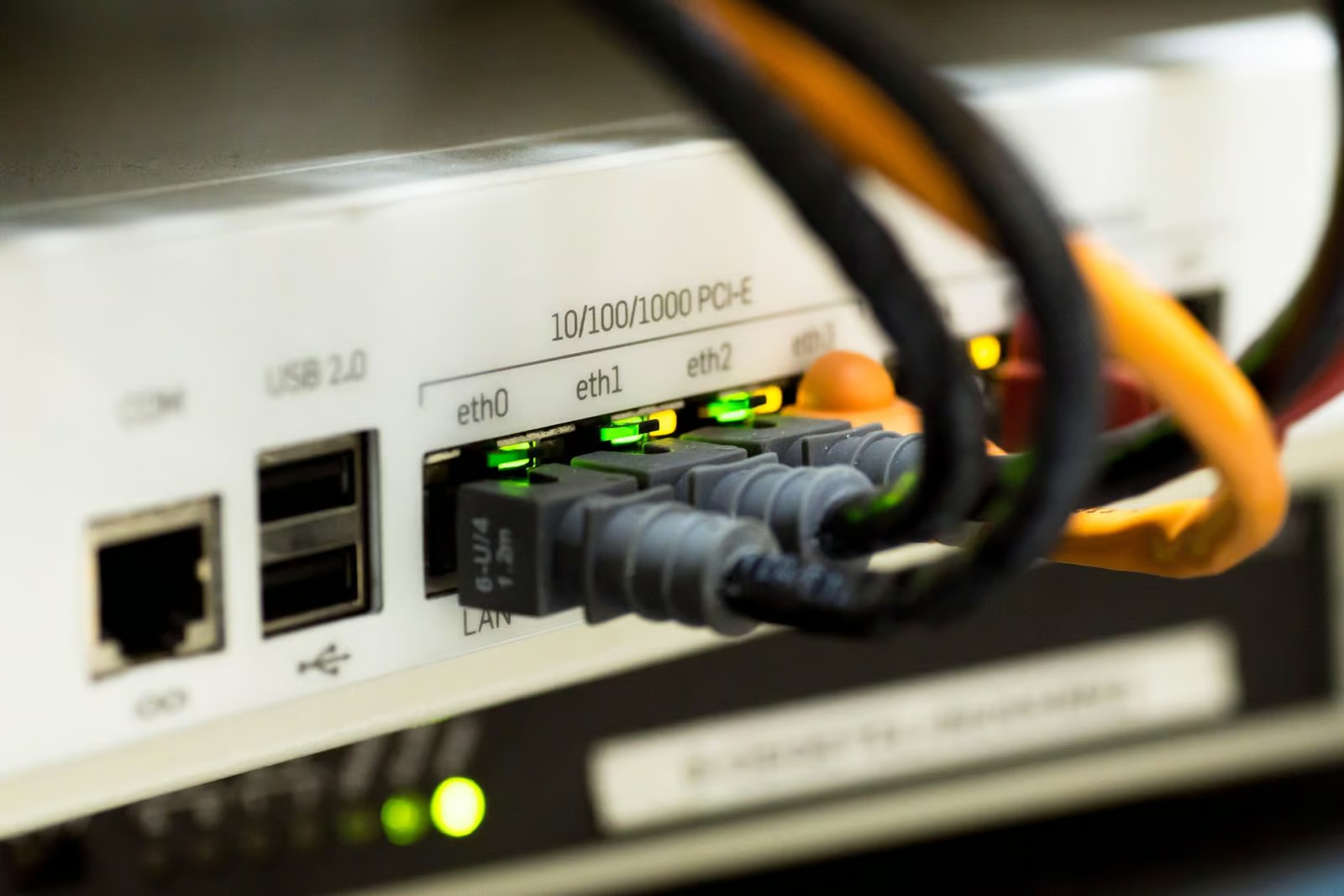
Each device connects to a switch by Ethernet cable or to an access point over Wi-Fi. Devices are identified on the LAN by MAC addresses, and switches learn which MAC address is reachable through which port so they can forward frames only where needed. Devices also carry IP addresses, which are commonly assigned by DHCP and drawn from one or more subnets. When a device sends traffic to an address inside its own subnet, it delivers the frame directly. When the destination is outside the subnet, the device sends the traffic to its default gateway, usually a router, which forwards it toward other networks such as the internet or a remote site. A LAN can be divided into several virtual LANs (VLANs) on the same switches, using IEEE 802.1Q tagging, so that groups of devices are separated into distinct broadcast domains. Private address ranges from RFC 1918 are commonly used inside LANs, and network address translation lets those devices reach public networks.

Why LAN matters in enterprise networks

The LAN is the layer where most users and devices actually connect, so its design shapes performance, reliability and addressing for the whole organization. Enterprise LANs grow from a single office switch to thousands of wired and wireless endpoints across many buildings, and each segment needs a planned subnet, gateway and address assignment. Ethernet, the dominant LAN technology, is specified in the IEEE 802.3 standard, which keeps equipment from different manufacturers interoperable.

Operationally, a LAN depends on services that run on top of it, mainly DHCP for address assignment and DNS for name resolution. If subnets are poorly documented, address ranges overlap, or DHCP scopes run out, devices lose connectivity or conflict with one another. Large flat LANs also produce excess broadcast traffic, which is one reason networks are split into VLANs and subnets of manageable size.

From a security view, devices on the same LAN can often communicate with each other with few barriers, so a single compromised endpoint can be used to probe neighbors and move laterally. Segmenting the LAN with VLANs and access controls, authenticating devices before they connect, and monitoring for unknown or rogue devices limit that exposure. Accurate records of which devices and addresses belong on each segment make those controls practical to enforce.

LAN vs Virtual local area network (VLAN)

A LAN is a network confined to a local area, while a VLAN is a logical partition of switch infrastructure, defined in IEEE 802.1Q, that splits one physical LAN into separate broadcast domains.

AttributeLANVirtual local area network (VLAN)
NatureA network scoped by physical locationA logical segment created on switches
Broadcast domainCan be one domain or several, depending on designEach VLAN is its own broadcast domain
IdentificationNo tag; defined by the infrastructure and addressingIdentified by a VLAN ID in the 802.1Q tag
Communication between segmentsNeeds a router or gateway to reach other networksNeeds a router or Layer 3 switch to reach other VLANs

Common LAN issues

A cabling mistake or a disabled spanning tree can create a Layer 2 loop. Broadcast frames then circulate endlessly, switch CPU and link utilization spike, and every device on the segment loses connectivity.

Short leases on busy guest or wireless segments can use up the scope. New devices fail to get an address and fall back to a self-assigned 169.254 address, while existing devices keep working.

A static address set inside a DHCP range, or a rogue device, produces an address conflict. Users see intermittent connection drops and ARP tables that flip between two MAC addresses.

A consumer router plugged into a wall port can answer DHCP requests with the wrong gateway or DNS server. Clients on that segment lose access or are sent to unintended resolvers, and DHCP snooping on switches is the usual control.

A wrong native VLAN or a missing VLAN on a trunk port leaves devices unable to reach their gateway. Ports show link up, but clients get no address or cannot leave the subnet.

See how unified DDI simplifies network operations

Manage DNS, DHCP and IP addresses from one platform with automation, visibility and control built in.

LAN FAQ

Related terms

Article

Default Gateway

A default gateway is the network device, typically a router, that forwards traffic from a local network to destinations outside its subnet.

Learn more
Article

DHCP (Dynamic Host Configuration Protocol)

DHCP (Dynamic Host Configuration Protocol) is the standard mechanism to dynamically assign IP addresses within a network.

Learn more
Article

Internet Protocol Address (IP Address)

An Internet Protocol Address (IP Address) is a numerical label assigned to each device connected to a network using IP for communication.

Learn more
Article

Subnet mask

A subnet mask is a 32-bit number that divides an IP address into network address and host address portions.

Learn more
Article

DHCP Snooping

DHCP snooping is a network security feature that monitors DHCP traffic and prevents unauthorized DHCP servers from assigning IP addresses to network devices.

Learn more
Article

DHCP Relay Agent

A DHCP relay agent forwards DHCP messages between clients and servers on different network subnets, enabling centralized DHCP services.

Learn more
Article

IPAM (IP address management)

IP address management (IPAM) is a method for planning, tracking, and managing IP address space on a network.

Learn more
Article

IP Address Conflict

An IP address conflict occurs when two or more devices on a network are assigned the same IP address, disrupting network communication.

Learn more