SD-WAN appliances make excellent local DHCP servers but weak IP address management systems. BlueCat Micetro overlays the branch DHCP you already run, consolidating leases, scopes, and access control into one interface through a single API key.
Why do organizations run DHCP locally on SD-WAN appliances at each branch?
Local DHCP on each SD-WAN appliance reduces latency, improves reliability, and strengthens resilience for branch networks while keeping cost and complexity down.
Local branch servers handle address assignment, managed through a centralized controller.
SD-WAN applies software-defined networking principles to the wide-area network, letting enterprises manage and optimize WAN performance centrally rather than device by device. Many enterprises extend that model to addressing, implementing a distributed DHCP architecture in which local branch servers assign addresses on site while a central controller manages them.
The appeal is cost and resilience together. Branches get local address assignment without dedicated DHCP infrastructure at every site, and the pattern scales as the branch count grows. That is a sound architecture, and it is why it spread so quickly. What it does not come with is a way to see all of it at once.
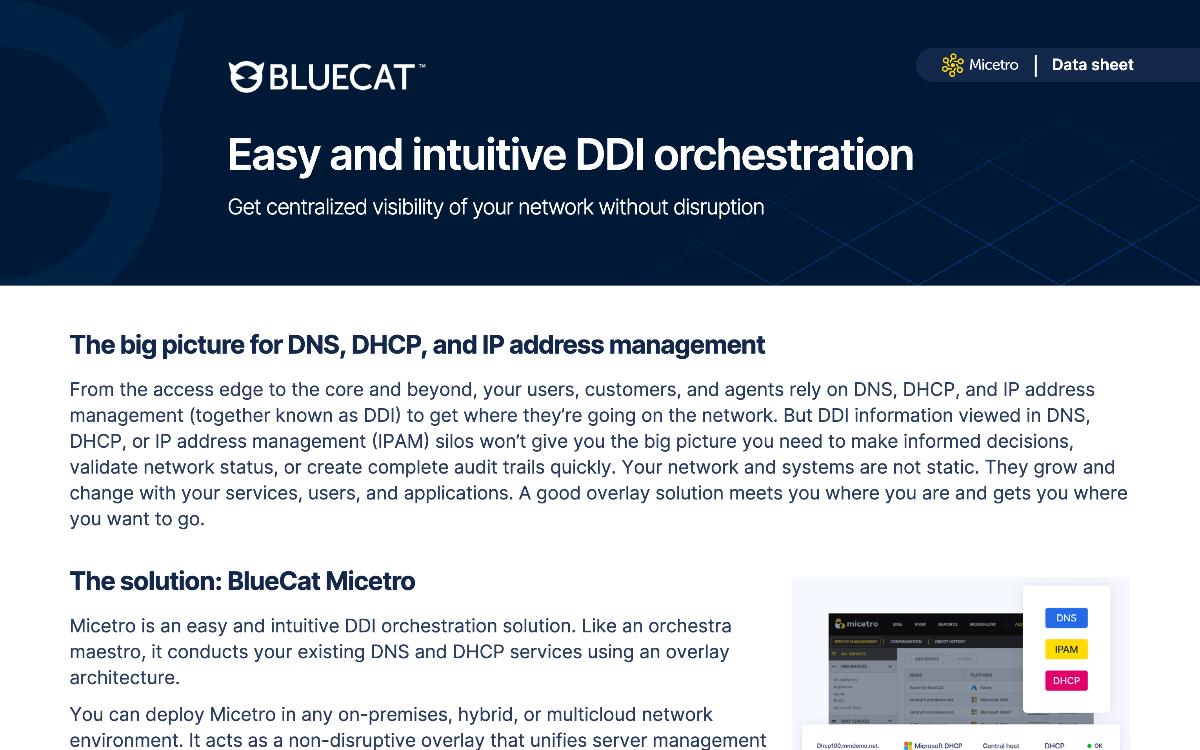
BlueCat Micetro is an easy, intuitive DDI orchestration solution that overlays your existing DNS, DHCP, and IPAM services to provide centralized visibility…
4 min·Blog
Read more →
· 02 — WHERE MERAKI DHCP MANAGEMENT REACHES ITS DESIGN BOUNDARY
What are the limits of Cisco Meraki’s native DHCP and IP address visibility at scale?
Cisco Meraki provides basic visibility into IP usage and DHCP settings, which is sufficient at small scale.
As branch counts grow, three limits surface: tracking IP allocations and leases across sites, consolidating DHCP data with other network management systems, and role-based access control granular enough for site-level responsibility.
Meraki is known for ease of use and cloud-based management, and it offers real cost advantages for organizations supporting operations across many remote locations. It also offers centralized management functions for those sites. The gap is context: understanding distribution and utilization of address space becomes harder as the estate expands.
The second gap is administrative. In a distributed organization, different teams need different levels of access, and Meraki’s built-in role-based access controls can be limited in granularity when it comes to IP addresses and DHCP settings. Combined with fragmented DHCP data across sites, that makes conflict resolution and allocation planning slow work.
3common challenges
3 common challenges
Meraki users at scale typically hit three named limits: limited visibility and context, integration and consolidation difficulty, and role-based access control granularity.
Learn how BlueCat Micetro 11.1 can help you overcome the limitations of Cisco Meraki SD-WAN devices to manage your distributed DHCP architecture.
6 min·Blog
Read more →
· 03 — CONSISTENT OPTIONS AND POLICIES ACROSS MIXED DEVICE TYPES
How do you ensure consistent DHCP options across diverse device types and sites?
Consistency comes from managing scopes, options, and policies through one interface rather than per server.
A vendor-neutral overlay that exposes every scope, lease, and option in a single view lets option sets be applied and audited the same way regardless of which platform serves the branch.
Most estates are not single-vendor. Microsoft DHCP runs in the data center, ISC DHCP or Kea runs on Linux hosts, Cisco IOS or SD-WAN appliances serve branches, and virtual or cloud servers cover the rest. Managing options separately on each platform is how drift starts, and drift is what breaks provisioning for a specific device class.
Microsoft DHCP policies allow configuration to be assigned by client attributes such as MAC address, vendor class, or user class, at server or scope level, delivering targeted DNS servers, gateways, or lease durations. Surfacing those policies alongside every other platform’s options in one place makes device-specific behavior something a team can verify rather than assume.
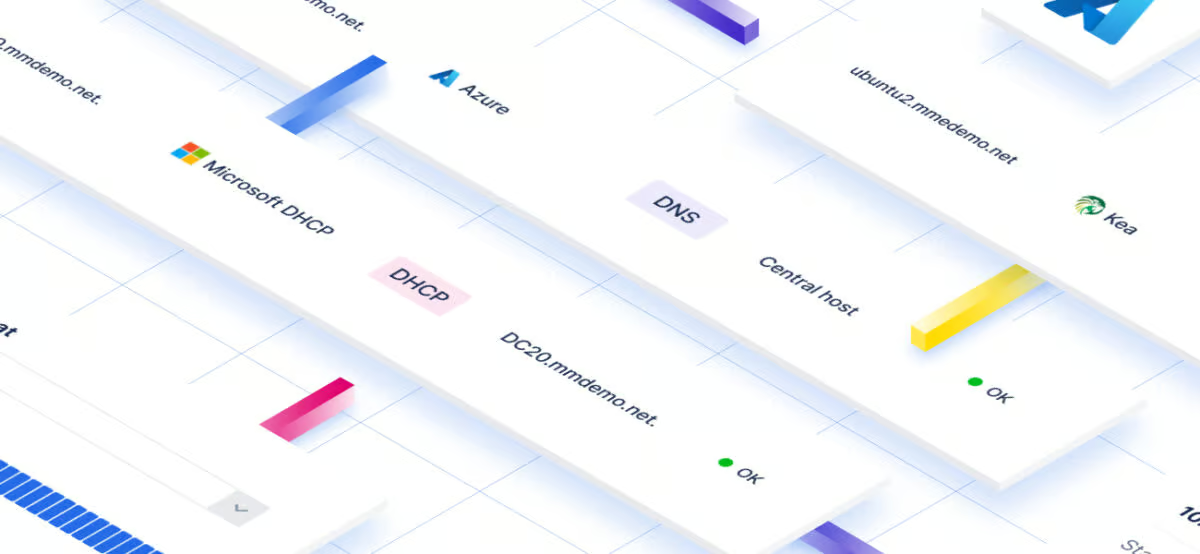
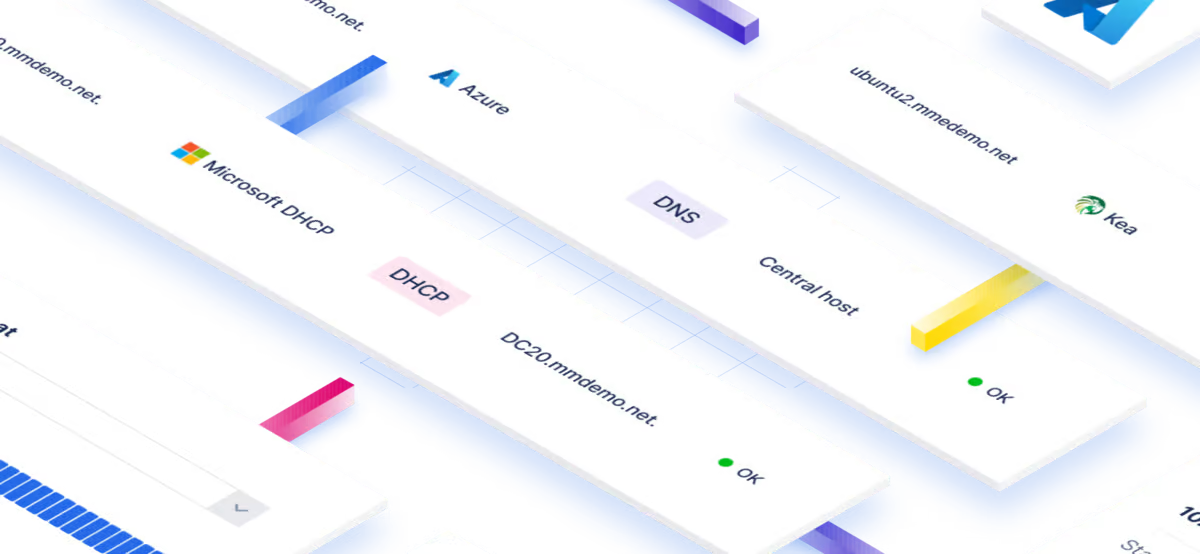
Centralize multi-vendor DHCP scopes, leases, and policies without re-architecting. Monitor, automate, and secure enterprise DHCP with Micetro’s unified…
5 min·Page
Read more →
· 04 — DETECTING AND REMEDIATING DNS AND DHCP MISCONFIGURATION
How do you detect and remediate misconfigurations across DNS and DHCP?
Detection requires a single record of who changed what, and remediation requires the ability to reverse it.
Centralized DNS, DHCP, and IPAM management with comprehensive audit logging and rollback of changes turns misconfiguration from an investigation into a lookup.
Native Microsoft tooling gives limited visibility into who is accessing or modifying DNS and DHCP configurations. Without a clear audit trail, pinpointing accountability and resolving conflicts is slow, and overly broad permissions raise the odds of the misconfiguration happening again. Detection and prevention are the same control.
A centralized management overlay tracks every action users perform, producing detailed logs that support accountability and compliance reporting. It also delivers automated roll-back of changes through the audit log if and when something goes wrong, so administrators with the right permissions can revert DNS records and custom properties rather than reconstruct them by hand.
Learn how easy it is to implement enhanced role-based access controls for Microsoft DNS and DHCP server environments with Micetro.
6 min·Blog
Read more →
We work with hybrid Microsoft DNS estates, lean IT teams modernizing without rip-and-replace, and DDI consolidation programs, including branch DHCP running on Meraki and other SD-WAN appliances.
What are best practices for DHCP in Wi-Fi dense branch environments, and how are dynamic DNS updates handled?
Dense wireless sites need lease and scope state that is visible centrally, high availability configured on the DHCP servers themselves, and DNS updates driven from the same address record rather than from a separate process.
Orchestrating branch DHCP platforms through one API is what makes all three practical.
DHCP is the central mechanism enabling IP address management, so keeping it functional at high-churn sites depends on complete visibility, object history, and support for high availability and failover configurations. ISC DHCP and Kea are the two open-source implementations viable for production networks. Kea separates data from the execution environment, storing DHCP data in supported databases, and implements high availability rather than ISC DHCP’s failover model.
A minimal-footprint controller daemon running alongside each DHCP server orchestrates communication back to central management, giving teams one interface and one API across ISC DHCP, Kea, Microsoft DHCP, and Cisco IOS. That single API is what lets lease state, address records, and the DNS entries tied to them be automated together across multiple platforms and locations.
2viable contenders
2 viable contenders
For use in production networks, ISC DHCP and Kea are the only two open-source DHCP implementations treated as enterprise-ready, and both are supported through a single orchestration API.
Pairing your open-source DNS with similarly open-source DHCP makes a lot of sense, and Micetro can help you.
5 min·Blog
Read more →
· 06 — WHAT TO LOOK FOR IN A BRANCH DHCP MANAGEMENT APPROACH
What should teams look for in a platform for SD-WAN and branch DHCP management?
Look for centralized visibility across every DHCP platform in use, granular role-based access with full audit trails, agent-free integration that leaves branch infrastructure untouched, and a single API that scales as the site count grows.
Each criterion is the inverse of a failure already documented in distributed DHCP estates.
Enterprise networks rarely run one DNS and DHCP platform. Windows Server, BIND, Kea, Cisco Meraki, and cloud providers each arrive with their own console, API, and data model, and that fragmentation is what makes consistent policy enforcement so hard to sustain as the estate grows. A control layer earns its place by abstracting those differences into a single framework, so scopes, leases, records, and address space are viewed and changed the same way no matter which platform serves them.
The remaining criteria are about not making things worse. The layer should mean fewer consoles and less training rather than one more tool to learn, it should validate changes centrally so error rates fall instead of duplicating conflicts across systems, and it should govern access in one place rather than leaving permissions to be maintained separately on every underlying service. Delivered as an overlay, none of that demands re-architecture. Existing servers stay where they are, and migration to another platform happens later, at whatever pace the team sets
Today’s enterprise networks span data centers, cloud environments, and distributed edge systems. DNS, DHCP, and IP address management (together known as…
13 min·Blog
Read more →
· 07 — WHAT CENTRALIZED BRANCH DHCP LOOKS LIKE IN PRODUCTION
How does a lean team centralize branch DNS and DHCP without replacing what already works?
By overlaying the DNS and DHCP services already in place instead of replacing them.
HBPO Group, an automotive front-end module manufacturer running 32 production and research sites, adopted BlueCat Micetro for DNS, DHCP, and IP address management and reduced workflows that took hours to seconds or minutes.
After a VitalQIP license expired, HBPO went native with the IP management tools built into Microsoft servers and found the distributed, dynamic nature of global operations demanded a unified network overview. Micetro gave them a pragmatic view of critical network components, with DHCP reservations and DNS records visible and controllable in a single interface, plus integrated discovery scans that removed IP collisions caused by human error.
The Microsoft DHCP failover integration mattered most operationally. Built-in health monitoring and consistency checks let the team identify inconsistencies in DHCP replication before they could spin out of control, and integration with Active Directory ended manual regeneration of DNS and DHCP databases. The same overlay pattern extends to Meraki through a single API key, with no new hardware at remote sites.
32global sites
32 global sites
HBPO Group manages DNS, DHCP, and IP address space across 32 production plants and research facilities from one interface, with local teams retaining the ability to work self-sufficiently.
Micetro by Men&Mice allowed the HBPO Group to run mission critical networks with the optimal output all modern manufacturing facilities are dependent on.
With Micetro, integrate, orchestrate, and automate your current DNS, DHCP, and IPAM network infrastructure via a single web interface.
5 min·Page
View Micetro →
· 08 — Paths forward
Which approach to branch DHCP management fits your estate?
The right path depends on where branch DHCP runs today and what is failing first: visibility, access control, or option consistency. Three patterns cover most distributed estates, and none of them require changing branch hardware.
PATH 01
Branch DHCP already runs on Meraki or similar appliances and works well locally
Keep DHCP on the SD-WAN appliances, add a management layer
Leave local address assignment exactly where it is and import DHCP and IP data centrally through an API key. Teams gain address mapping, lease context, and site-scoped roles without deploying anything to remote locations. This is the lowest-risk starting point for a growing branch footprint.
Microsoft DHCP, ISC DHCP or Kea, and appliance-based DHCP all coexist
Unify options and policies across mixed DHCP platforms
Expose every scope, lease, and option in one vendor-neutral interface so device-class behavior is defined once and verified everywhere. Guided scope migration makes consolidation between platforms a repeatable workflow rather than a change-window gamble.
Change history for DNS and DHCP cannot currently be produced on request
Close the governance gap before the next audit
Define tightly scoped roles, log every action, and make changes reversible through the audit trail. This narrows who can affect production addressing while giving auditors a record and giving operators a faster way back from a bad change.
Common questions from teams running DHCP across SD-WAN branch sites.
Keep guest and BYOD scopes visible in the same view as production scopes, and control who can change them with tightly scoped roles rather than broad administrative access. Granular role definitions let a site administrator manage only their own scopes, while auditors get read-only visibility. Every change is logged, so unexpected behavior on a guest network can be traced to a specific action.
Centralized address data means a new site’s ranges and scopes come from a single source of truth rather than a spreadsheet, and automated subnet allocation and discovery handle the mechanical work. Because Micetro connects to Meraki through an API key with nothing deployed at the branch, adding a site is a configuration change rather than an infrastructure project. HBPO Group reported that creating a network, turning a range into a scope, and configuring failover became a matter of seconds or minutes.
Watch scope utilization against thresholds, lease duration relative to client churn, failover or high availability state, and replication consistency between paired servers. Health checks, thresholds, and alerts across every DHCP platform are what turn those metrics into early warning rather than post-incident data. Inconsistencies in DHCP replication in particular should be surfaced before they escalate.
No. BlueCat Micetro imports DHCP and IP address data from Cisco Meraki devices through a single API key. Nothing is deployed at remote branch sites, no plugins, no appliances, which makes it non-disruptive to an existing SD-WAN deployment.
Kea was developed by ISC as a modern replacement for ISC DHCP, with modularity, extensibility through hooks, and DHCP data stored in supported databases rather than tied to the execution environment. It implements high availability where ISC DHCP implemented failover. Both are standards-compliant and both are supported through a single orchestration layer, so a phased migration is realistic.
It should reduce work, not add a console. Micetro orchestrates the DNS, DHCP, and IPAM services already in place rather than replacing them, so per-platform administration collapses into one interface and one API. HBPO Group’s assessment was that the deployment did not need a lot of consultants, its own teams could run it, and it just works.
We’re using cookies on this website to improve your experience. Cookies help us learn how you interact with our website and remember you when you come back so we can tailor it to your interests.
To learn more about cookies and how we use them, read our cookie notice.
Some cookies are essential, while others help us to improve your experience by giving us insight into how you are using our website. You may adjust your preferences for non-essential cookies below.
To learn more about cookies and how we use them, read our cookie notice. You can also review our privacy policy for more details on the personal data we collect, use, hold, and disclose when you visit our website or use our products and services.
Functional cookies
Functional cookies are essential cookies that allow us to remember choices or changes you have made (such as to language settings or your choices regarding the use of cookies). These cookies cannot be turned off since they are essential for the operation of our Websites.
Analytics cookies
Analytics cookies are non-essential cookies that collect information on how visitors use our Websites. We use this information with your consent to measure the number of visitors to our Websites, determine whether specific content or communication has been viewed, and to help us improve our Websites and communication. These cookies can be turned off.
Personalisation Storage
Personalisation cookies are non-essential cookies that collect information when you fill out a form on this website. We only use this information with your consent to pre-fill other forms on the site. These cookies can be turned off.
Marketing cookies
Marketing cookies are cookies that are placed by third parties to collect information about your visits and actions on our Websites so that they or we can deliver ads to you later, such as when you are on certain third-party sites or platforms. These cookies may be used by those third parties to build a profile of your interests and show you relevant ads on other websites. These cookies also enable visitors to our Websites to share content on social networks and to enable and evaluate interactions with our communication and social media tools. These cookies can be turned off.











 Case study