
Your IP address spreadsheet: A network menace
Are you still using a spreadsheet to manage IP addresses? IPAM is the only way to achieve secure, transparent, and efficient network management.



 Key takeawaysKey takeaways are generated with AI assistance. Because automated summaries can occasionally contain errors or miss important context, always refer to the full blog post for complete information.
This article warns against using spreadsheets to manage IP address management (IPAM), explaining that spreadsheets were never intended to handle complex DNS and IP infrastructure and can create catastrophic operational risk. It outlines real-world problems such as human error, concurrent edits across geographies, access-control dilemmas, inability to represent complex cloud and multi-site architectures, and slow provisioning for testing and expansion. The article recommends replacing spreadsheets with an enterprise IPAM/DDI solution to gain a centralized network view, faster provisioning, improved security through better DNS visibility, and greater operational efficiency.
What are the main risks of using spreadsheets for IP address management described in the article?
The article highlights several risks: human error (for example, a DNS admin mistyping entries that don’t match actual DNS configurations, which can cause outages), conflicting concurrent edits or fragmented parallel spreadsheets across geographic teams, and problematic access control decisions that either expose change capability to too many users or bottleneck it to a few. Spreadsheets also fail to model complex multi-site, cloud, and forwarding-rule information, and they’re slow for rapid tasks like tearing down and provisioning addresses for testing, all of which increase operational and security risk.
When might a spreadsheet still be acceptable for IP address tracking according to the article?
The article concedes that spreadsheets may be sufficient for very small, single-location systems with only a few IP addresses to manage. In such simple environments, the overhead and cost of an enterprise IPAM tool may not be justified. However, it warns that as networks expand, adopt multi-site or distributed DNS models, add numerous devices with unique MAC addresses, or move into cloud and complex architectures, spreadsheets quickly become inadequate and risky, prompting the need for a proper IPAM/ DDI solution.
What operational benefits does the article say an IPAM solution delivers compared with spreadsheets?
The article states that implementing an IPAM as part of a DDI infrastructure provides a consolidated, central repository for all IP addresses so administrators can view the entire network in one place. Automation speeds up provisioning and reduces time-to-service for end users, especially at scale, while reducing administrative manual effort. Regular visibility into DNS data improves the ability to detect abnormal behavior and take corrective action, enhancing network security and freeing admins to focus on higher-value tasks rather than spreadsheet maintenance.
Are you still using an IP address spreadsheet to manage all the IP addresses on your network?
Gambling with spreadsheets to manage core business functions can be a risky threat—and even catastrophic. When it comes to IP address management, Excel spreadsheets were never intended to manage network infrastructure.
Replacing spreadsheets for IP address management (IPAM) is the only way to achieve secure, transparent, and efficient network management. Leave the administrative headaches of managing by spreadsheet behind.
In this post, we’ll delve into the limitations of doing DNS (and specifically IP management) by spreadsheet. After that, we’ll discuss when you should abandon the approach. Finally, we’ll touch on the benefits of investing in an IPAM enterprise tool.
The perils of your IP address spreadsheet
There are many examples of why spreadsheets shouldn’t be used to manage complex, technical tasks. One retrospective of the top spreadsheet errors of the decade might make you wince. They include overselling 10,000 seats at the 2012 Olympics in London and overstating the price of Tibco Software by $100 million.
The trouble with spreadsheets for IPAM in particular
IP address management is, by definition, a complex and difficult task. Why would you use a spreadsheet to handle such a high-risk system on your network? Maybe some of these troubling scenarios sound familiar:
- A DNS admin fat-fingers a change to a spreadsheet. And that change doesn’t match up to what’s reflected in DNS configurations. Subsequently, the network goes down.
- Multiple DNS admins in different geographic regions are constantly changing IP address assignments. As a result, they’re trying to update the same spreadsheet at the same time. Or they are using parallel spreadsheets that don’t interact with one another.
- Access control gets sticky. Do you open spreadsheets up to non-admins? More people would be able to change things but would bear no responsibility when something goes wrong. Or do you strictly limit access to a few people, which hinders your ability to do things quickly?
- You’re doing things at scale, in the cloud, across multiple locations and complicated architectures. Spreadsheets get very difficult to manage. They can’t represent intricate systems or show complex information, like forwarding rules, in an accessible manner.
- You want to stand up and tear down IP addresses quickly for testing new software iterations. Or you want to create temporary zones for a development push. That’s slow and cumbersome to do with spreadsheets.
The DNS nuclear football
One of our customers called their IP address management spreadsheet the “nuclear football”. Only a small number of DNS admins had access to it. They would hand off its management as workdays started and ended around the globe. And they knew that accidentally deleting data in those spreadsheets—or even losing the files altogether—would take their network down.
When to get rid of your IP address spreadsheet
For small systems in a single geographic location without a lot of IP addresses to manage, using a spreadsheet as your IP address tracker may work just fine. However, it can quickly get out of hand as your network grows.
Relying on a homegrown IP address allocation spreadsheet template can pose serious problems when your organization has multiple geographic locations and a distributed DNS model. For example, they’re particularly problematic when your IP network is expanding. Or when you have numerous devices with unique MAC addresses constantly joining and leaving the network.
It seems like a no-brainer to replace spreadsheets with enterprise application solutions in areas like HR or finance. So, why not the same for a far more complicated and high-risk system such as IPAM?
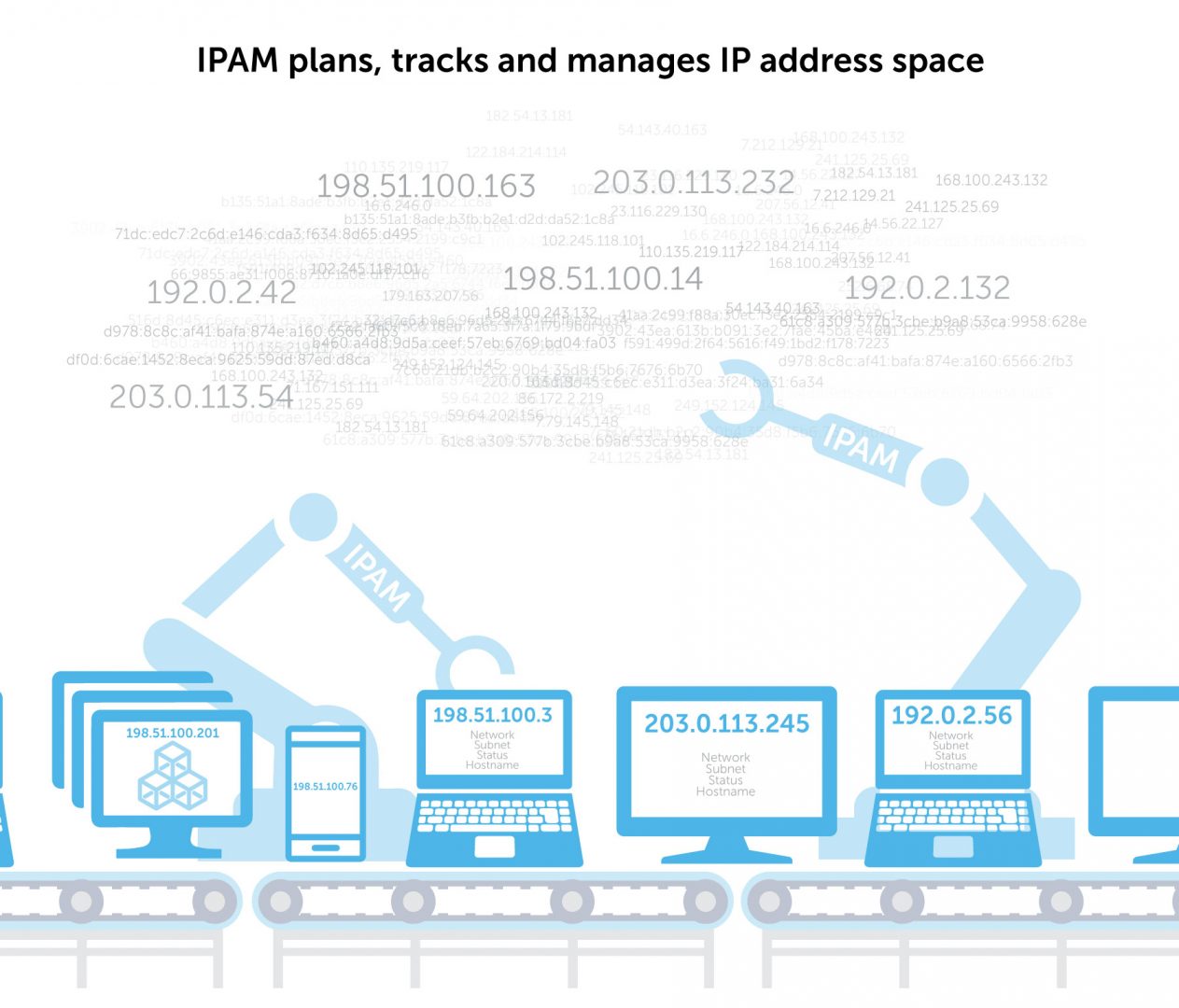
The benefits of an IPAM solution over your IP address spreadsheet
Implement an IPAM solution as part of your larger DDI infrastructure, and you’ll quickly see the benefits.
- Consolidated view of your network. With all IP addresses in a central repository, you can see your entire network in one place.
- Faster service for end-users. Automating IPAM drastically reduces the time to provision IP address spaces, even with increased scale.
- Improved network security. Seeing your DNS data regularly helps you to detect abnormal behavior and take corrective action quickly.
- Enhanced operational efficiency. Automating IPAM saves admin time and brainpower for more important work.
Published in:

Rebekah Taylor is a former journalist turned freelance writer and editor who has been translating technical speak into prose for more than two decades. Her first job in the early 2000s was at a small start-up called VMware. She holds degrees from Cornell University and Columbia University’s Graduate School of Journalism.
Related content

Get answers from the LiveNX data you already have with LiveAssist
Learn how LiveAssist, the AI-powered add-on for LiveNX, turns your network data into fast, guided answers, with value you can see in days.

Get total control of your DDI infrastructure with Micetro’s unified API
Stop juggling between network tools and use Micetro’s RESTful API for complete control over your DDI infrastructure and cloud environment.

BlueCat MCP servers bring network intelligence to your AI assistant
Our MCP servers provide a standard integration layer that makes it easy to connect the AI tools you already use to BlueCat products.

We bet on Intelligent NetOps two years ago. Infoblox now has too.
With Infoblox acquiring Kentik, BlueCat’s CEO confirms its vision for a single platform unifying DDI, network monitoring, and observability.