
Blog
DNS glossary

 Key takeawaysKey takeaways are generated with AI assistance. Because automated summaries can occasionally contain errors or miss important context, always refer to the full blog post for complete information.
The DNS namespace is a hierarchical tree structure that organizes all domain names, starting from an unnamed root and branching into top-level domains and subdomains, with authority delegated down the tree so that no single party maintains every name. Inside an enterprise, namespace design decisions about which zones are internal, public, or split across teams directly affect access control, service discovery, and operational simplicity. Poor namespace management causes real failures including name collisions from unregistered internal suffixes, dangling delegations that enable subdomain takeover, and overlapping zones that produce inconsistent answers, making consistent naming schemes and treating the namespace as a managed asset critical to reducing these risks.
The DNS namespace is a tree. Each node has a label, and a domain name is the sequence of labels from a node up to the root, written left to right with dots between them.
RFC 1034 limits each label to 63 octets and a full name to 255 octets in wire format. Because the tree has a single root, a given fully qualified name identifies one place in it. Organizations also run private namespaces, such as internal zones, that are not part of the public tree.
Using the same domain internally and publicly without planning causes split-horizon mismatches. Users get internal answers for some names and public answers for others, so records that exist on only one side fail to resolve.
Internal names built on invented suffixes can collide when that label is later delegated in the public namespace. Queries that should stay internal then resolve to unexpected public answers, or fail certificate validation.
If a parent zone lacks correct NS records for a child subdomain, or they point to servers that no longer answer, resolvers return SERVFAIL or NXDOMAIN for names that exist. This often follows a server migration where only the child zone was updated.
When no team is recorded as owner of a subtree, stale records and dangling aliases accumulate. Changes then collide or are made without review, and cleanup is hard to justify.
Regions or teams that name hosts and subdomains differently make automation, reverse mapping and troubleshooting harder. Scripts and search domain settings that assume one pattern fail on the others.

 Article
 A hierarchical naming system that enables communication across devices in a network.
Article A distinct, contiguous portion of the domain name space for which administrative responsibility has been delegated to a single manager.
Article The last part of the domain name; in the domain name www.example.com, the top-level domain is com. Learn More
Article A domain name that specifies its exact location in the tree hierarchy of DNS.
Article A name server that directly answers requests for records in the root zone and answers other requests by returning a list of authoritative name servers for the appropriate top-level domain.
Article A DNS record that provides a list of the authoritative name servers responsible for the domain.
Article A mechanism that uses cryptography to provide authentication and integrity for DNS queries.
Article Provides original and definitive answers to DNS queries.
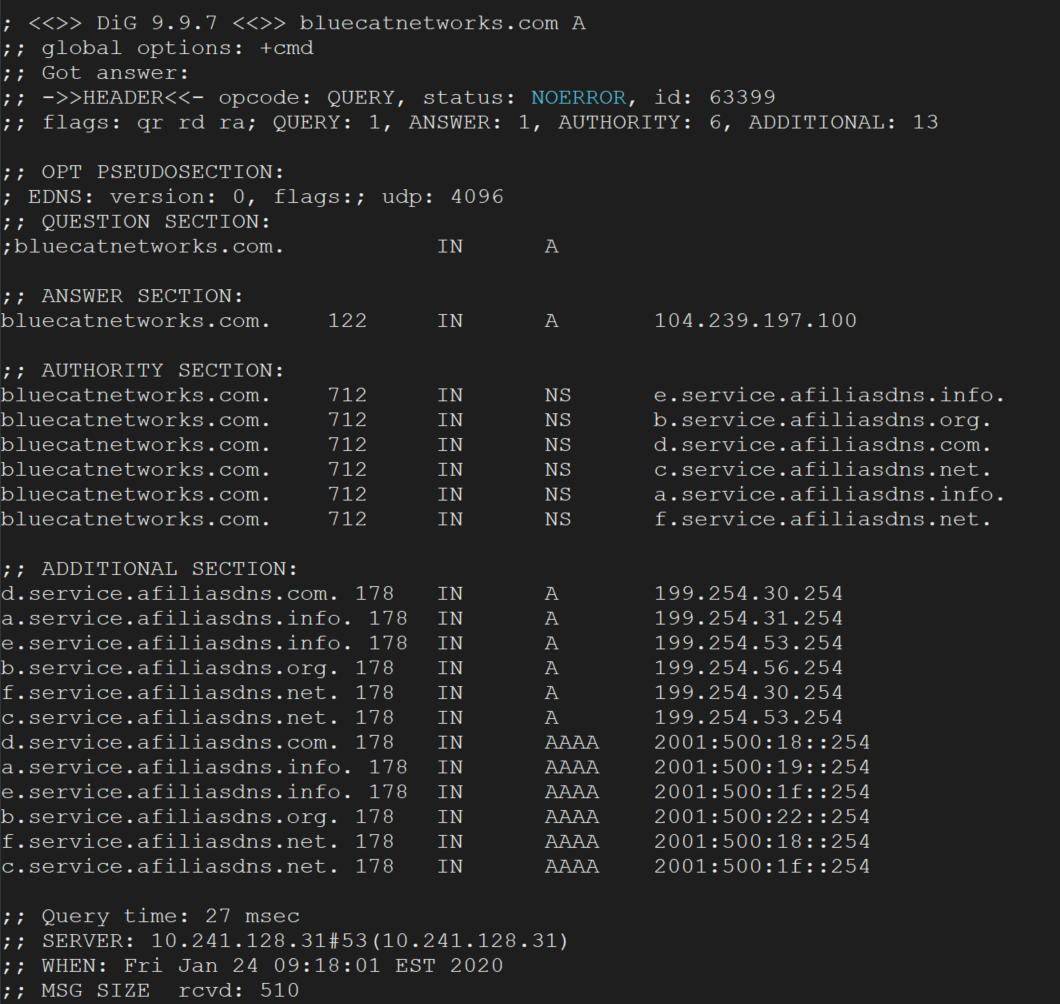
There are dozens of DNS record types. Understanding the most common ones can help you detect threats and keep on top of what's happening…
Read more
DNSSEC authenticates DNS queries and responses by using cryptographic digital signatures. Learn more and how BlueCat can help to make implementation easier.
Read more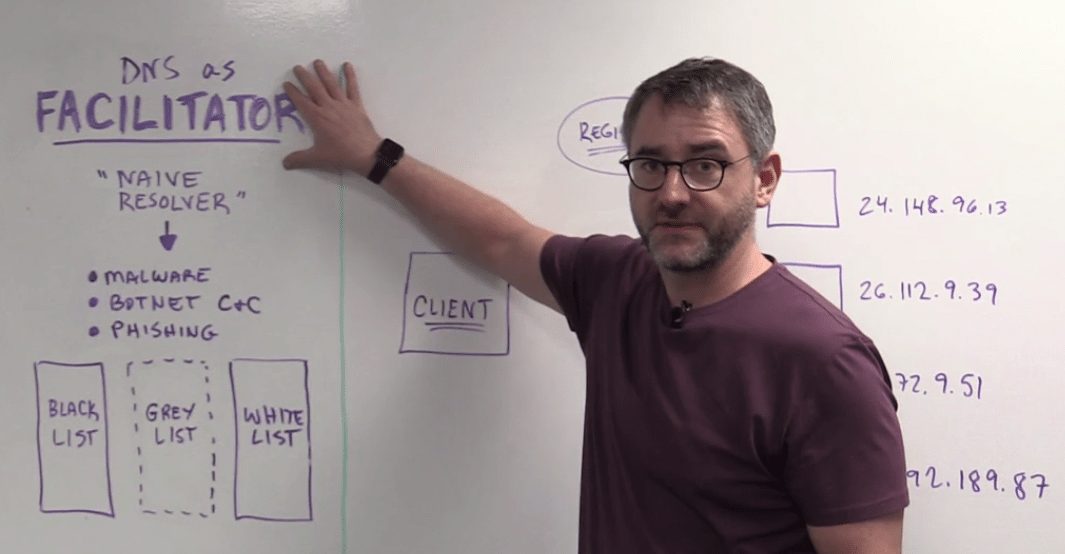
The first DNS persona in this 3-part series, DNS as Facilitator is the naive resolver in helping malware spread throughout your networks.
Read more
In the first episode of 'The Future of DNS' series, BlueCat CTO Andrew Wertkin explores DNS privacy and the role that DoT and DoH…
Read more
BlueCat’s intelligent DNS simplifies DNS management across environments, reduces complexity, and avoids costly errors.
Read more