
For network automation decisions, metrics are key
Uber engineer Ryan Patterson shares how data drives network automation projects, which must also be scalable, save costs, and meet user needs.


 Key takeawaysThis key takeaway was generated through LLMs crawling the page and coming up with an overview of the content.
This article summarizes a Network Disrupted podcast conversation between Uber’s Ryan Patterson and BlueCat Chief Strategy Officer Andrew Wertkin about using metrics to guide network automation decisions. It explains how Uber analyzes ticketing and operational time data to identify high-effort tasks—like DHCP reservations and Active Directory group changes—as candidates for automation or self-service, balances cost-savings with scalability and total cost of ownership, and prioritizes stakeholder needs. The piece also describes Uber’s layered, cloud‑agnostic infrastructure approach that avoids silos, prevents single points of failure through co-ownership and cross-training, and supports flexible deployment across on-premises and cloud environments.
How does Uber decide which network tasks to automate?
Uber begins by gathering metrics to measure the current state of work, pulling data from ticketing systems and accounting for the hours spent on day-to-day operational tasks. By reviewing service tickets—for example, DHCP reservation requests in Jira—and summing the time invested, the team identifies high-effort “resource hogs” that consume staff time. Those tasks are then evaluated for automation or self-service potential, weighing the hours saved against the complexity pushed to end users and the expected benefits to infrastructure efficiency.
What factors does Uber consider beyond man-hour savings when implementing automation?
Beyond man-hour savings, Uber considers cost savings to the organization, scalability for growth, and total cost of ownership including operational expenses and staffing. Teams assess whether a solution can scale if the company grows (e.g., more offices) and account for ongoing employee time needed to manage a product or service, which can exceed the initial technology cost. They also evaluate stakeholder needs and user experience to ensure automation actually benefits consumers of the service rather than simply shifting complexity.
How is Uber’s infrastructure organized to support automation and reliability?
Uber uses a layered, cloud-agnostic model where the platform team manages both on-premises and cloud infrastructure up to server hosting, separate teams manage operating system configuration, and other teams own services such as DNS or Active Directory. This layering allows flexible deployment—DNS or other services can be provided in cloud or on-premises as needed—helps avoid typical cloud/on-prem silos, and reduces single points of failure by having service co-owners and cross-training so responsibility is distributed and teams can cover for vacations or absences.
When you’re implementing network automation, there’s a fundamental question that can be surprisingly tough to answer: What do we automate?
Here’s one word that might help: metrics.
Data from service tickets and time spent on day-to-day operations can illuminate where your resource hogs lie. You can hone in on what is worth automating to increase efficiency, free up resources, and better support your infrastructure.
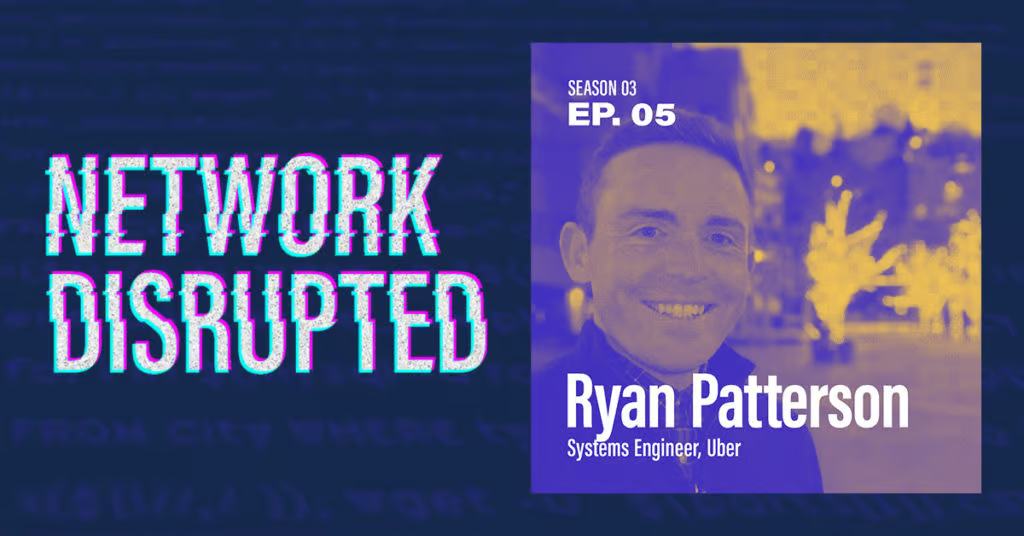
For the fifth episode of the third season of the Network Disrupted podcast, Uber’s Ryan Patterson sat down with host and BlueCat Chief Strategy Officer Andrew Wertkin. Now a security engineer, Patterson was a systems engineer at Uber for nearly three years.
They chatted about how data underpins Uber’s decisions to implement IT automation. They also explored how IT implementations must aim for cost savings, account for growth, and recognize stakeholder needs. Finally, they touched on how Uber takes a layered approach to infrastructure support, whether it’s on-premises or in the cloud.
Data drives decisions for IT automation implementation
Uber is long removed from its rapid growth stage. The company is now focused on consolidation and automation to increase efficiency in its infrastructure.
But how do you know that you’ve become more efficient?
For the network team at Uber, it’s a data-driven approach. When launching a network automation project, one of the first steps Patterson’s team takes is to determine what kind of metrics they can use to measure their current state of work.
The first thing we always do is look at data.
“We first have to gather the metrics on what we’re doing and how much time are we investing currently into this process,” Patterson says. “We would go through our ticketing systems to see how many tickets we’re getting for something, how much time we’re investing into these individual tasks, and then use those metrics to see if it’s something that we should be investing our time in to automate or to streamline or to self-service.”
Automating DHCP reservations: An example of how metrics drive decisions
Patterson used the example of deciding whether to automate DHCP reservations. He says they would start by gathering their service tickets in Jira. By reviewing tickets, they can measure how much time they’ve invested into support requests for DHCP reservations.
Then, they would add in the hours for people performing DHCP-related day-to-day operational tasks.
Whether it’s DHCP reservations, Active Directory, or something else, metrics can illuminate the resource hogs. And those hogs might be potential opportunities for automation.
“We have these metrics that we gather that are saying, hey, we’re spending a lot of time doing group additions to Active Directory or DHCP reservations for BlueCat. And if we start seeing that, hey, 30 hours a week is being invested into these projects, what can we do from an automation point of view or a self-service point of view?” Patterson explains.
“If somebody needs to make a DHCP reservation, configure your system to allow them to do it for their VLANs that they’re working on or anything else like that. And offload that responsibility from your team so that your team can invest itself into other projects that are going on.”
The next step: How to automate
After identifying a potential automation opportunity, Wertkin noted that IT teams must take it a step further. They have to think through how to automate it. What platform and network automation tools will you use to execute it? And what information exists on that platform? Who is the end-user and what level of understanding do they have?
“I often see things like automation being measured just with man-hour savings. But in some cases, you’re just sort of pushing the complexity to somebody else,” Wertkin quips.
IT must aim for cost savings and account for growth
IT doesn’t generate revenue for profit-driven organizations. Its role is to be as efficient as possible to save the organization money instead.
“Our job is to step in and say, ‘How much money can we save the company by doing X, Y, and Z?’ We have to almost flip that theory of money-making on its head and do the opposite,” Patterson notes. “How much money through this project or this project can we save the company in the long run?”
In addition to potential cost savings, Patterson says, it’s also important to account for flexibility and growth. Sure, a new product or service may work for your enterprise now. But what if the company were to grow by 10 or 20 percent?
“Whether you have four offices or 200 across the world, you have to make sure you deploy systems that can scale easily,” he says.
Furthermore, IT teams must factor in how much of an investment in employee time a product or service will require. A service might only cost $100,000. However, it could take three people who earn much more than that in salary and benefits to manage it.
“Total cost of ownership—and then operation expenses, obviously—oftentimes dwarves the cost of the technology or the product or whatever you’ve implemented,” Wertkin adds.
The key to customer service is understanding stakeholder needs
Indeed, regardless of what self-service or automation tools are implemented, Patterson is focused on providing his customers—Uber’s internal users—with a world-class experience.
Much like Matt McComas uses adoption as a measure of success in automation, Patterson knows which teams use his services and what they’re trying to accomplish. And he constantly engages with them to understand how his services are consumed.
“When we’re doing project planning for the year, I always try to reach out and figure out what projects they’re working on so that I can adjust and have them included into whatever I’m working on as well,” Patterson says.
What a network team might want to accomplish in a given year might not actually benefit the stakeholders who need the services they provide.
“I try to base my projects on the work that I’m accomplishing on what my stakeholders need, not what I think I need,” he adds.
A layered approach to supporting cloud and on-premises infrastructure
When it comes to implementing infrastructure, Uber takes a layered approach that is agnostic to whether it’s in the cloud or on-premises.
The company’s platform team manages both on-premises and cloud-based infrastructure, all the way up to server hosting. Another team is focused on operating system configuration. Then another team owns services.
“Do you need DNS in the cloud? Do you need DNS on-prem? Do you need Active Directory? What do you need and we’ll find a way to use all this flexibility that we’ve built on the layers beneath in order to deploy what you need when you need it,” Patterson says.
This approach avoids the typical on-premises and cloud silos that afflict many large enterprises.
They also prevent single points of failure by both having service co-owners and cross-training.
“We don’t have one person that’s fully responsible for everything. We have the ability to go learn other services in our infrastructure,” Patterson says. “If I’m the sole owner of DDI within our infrastructure, that doesn’t mean I can’t take any vacation.”
To hear all of his thoughts, listen to Ryan Patterson’s full episode on the Network Disrupted podcast below. You can also catch Ryan in our Critical Conversation on Should you DIY your DDI?
Published in:

Rebekah Taylor is a former journalist turned freelance writer and editor who has been translating technical speak into prose for more than two decades. Her first job in the early 2000s was at a small start-up called VMware. She holds degrees from Cornell University and Columbia University’s Graduate School of Journalism.
Related content

How to map your network with user-defined links in Integrity X
Map your network with user-defined links in Integrity X to define and manage custom relationships, such as dual-stack and NAT environments.

Automate your DDI modernization path by migrating with Micetro
Automate cross-platform DNS and DHCP migration with Micetro to reduce risk, eliminate manual effort, and modernize infrastructure faster.

Your journey to intelligent NetOps begins at Cisco Live
Visit BlueCat’s booth or book a meeting now to learn more about how our solutions can help you build a network that supports constant change.

Replace BIND and ISC with Micetro DNS/DHCP Server (MDDS)
Tired of patching and manually configuring BIND DNS and ISC DHCP? Discover how Micetro MDDS appliances can replace them for modern DDI.