
Blog
DNS glossary
 Key takeawaysKey takeaways are generated with AI assistance. Because automated summaries can occasionally contain errors or miss important context, always refer to the full blog post for complete information.
Split-horizon DNS is a deployment method that returns different DNS answers for the same domain name based on the source of the query, typically serving private addresses to internal clients and public addresses to external clients. Organizations use this technique to allow employees and customers to access services by the same name while keeping internal infrastructure hidden from public reconnaissance and avoiding inefficient routing of internal traffic out to the internet and back. The primary operational risk involves views drifting out of sync when internal and external zones are maintained separately, requiring automation and change control to prevent users from receiving incorrect addresses or experiencing service failures.
A split-horizon deployment keeps two sets of answers for one domain and selects between them when a query arrives. It can be built with separate servers or with a single server that supports views.
Separate servers achieve the same result by placing internal resolvers on the private network and public authoritative servers on the internet. Internal and external zone data must be kept in sync by hand or by automation, because the steps above do not do this.
Access rules based on client address can put VPN clients, guest Wi-Fi or cloud workloads into the wrong view. Users see private addresses they cannot reach, or public addresses that route out and back in.
Devices configured with a public resolver, or browsers using encrypted DNS to a third party, skip the internal servers. Internal names fail to resolve or return the public address.
Internal and external endpoints behind one name may present different certificates. Clients see trust errors when the internal address serves a certificate that does not cover the shared name.
A shared caching resolver or forwarder in front of both views can store an answer from one view and serve it to the other audience. Symptoms are intermittent wrong addresses that clear when the cache expires.

 Article
Private DNS is a DNS resolution service that operates within a private network, keeping queries and responses internal without exposure to public resolvers.
Article A DNS zone is a contiguous portion of the domain name space for which administrative responsibility and authority have been delegated to a single manager.
Article An authoritative DNS server provides original and definitive answers to DNS queries.
Article Conditional DNS forwarding directs DNS queries for specific domains to designated DNS servers, allowing organizations to manage name resolution across different networks and environments.
Article RFC 1918 networks are ranges of IP addresses designated for private use on TCP/IP networks.
Article A recursive DNS server is the first server contacted by a requesting host; it retrieves the proper IP address of the intended domain name and returns it to the requester.
Article A DMZ (Demilitarized Zone) is a subnetwork that exposes an organization’s external-facing services to an untrusted network such as the internet.
Article DNSSEC (Domain Name Service Security Extension) is a mechanism that uses cryptography to authenticate DNS data and verify the integrity of DNS queries and responses.
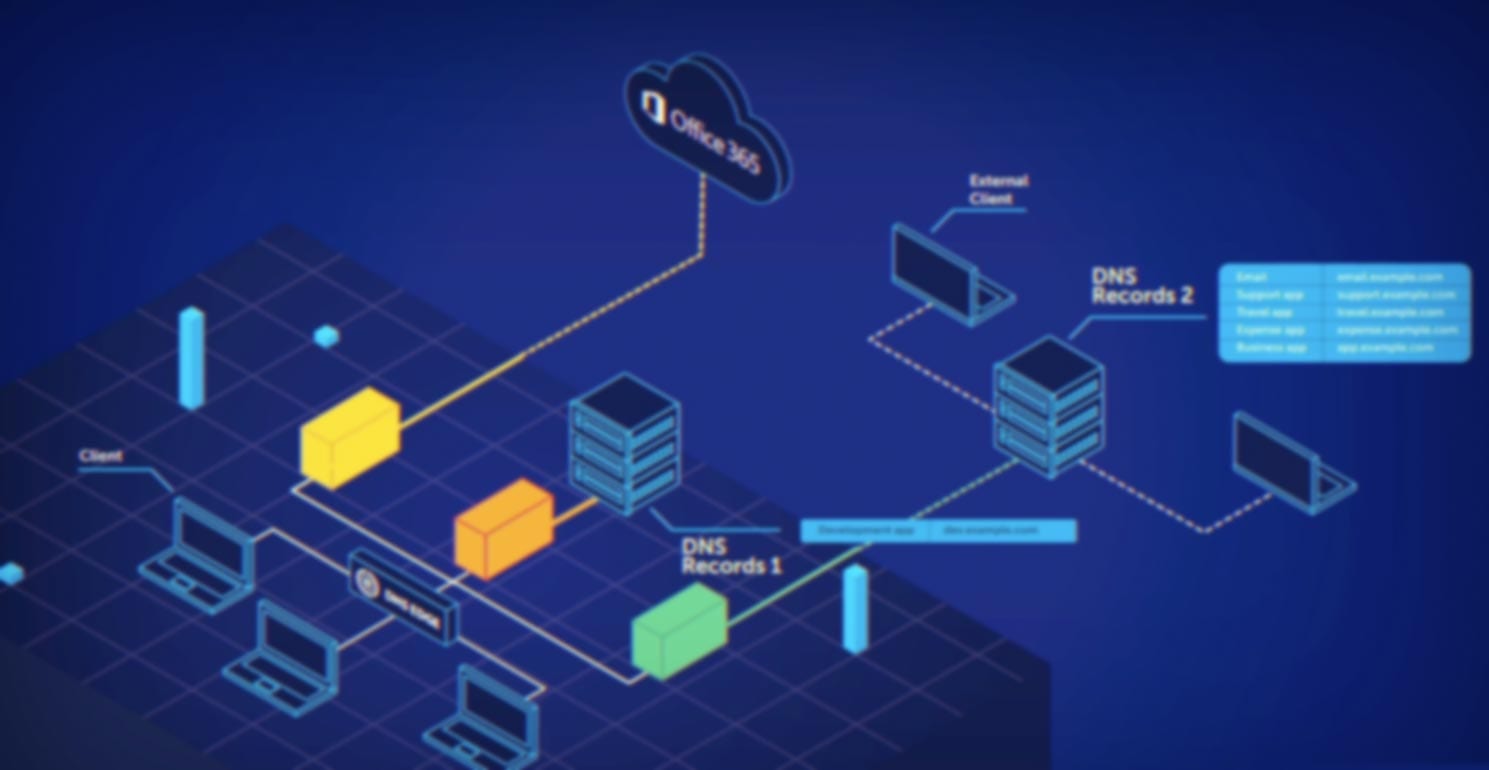
BlueCat’s intelligent DNS simplifies DNS management across environments, reduces complexity, and avoids costly errors.
Read more
DNS is a core network service. You’d be hard pressed to think of a service, public or private, that doesn’t rely on DNS at…
Read more
DNS poisoning (aka DNS cache poisoning or DNS spoofing) uses security gaps in the DNS protocol to redirect internet traffic to malicious websites.
Read more
There are dozens of DNS record types. Understanding the most common ones can help you detect threats and keep on top of what's happening…
Read more
Enterprise strategies for hybrid DNS forwarding help centralize control across on-premises and cloud, reducing sprawl and improving visibility and governanc
Read more