The Domain Name System (DNS) is a protocol that allows us to use human communication across devices on a network. Most commonly, it translates human-readable domain names (like bluecatnetworks.com) to computer-friendly Internet Protocol (IP) addresses (like 104.239.197.100).
IP addressing is a logical means of assigning addresses to devices on a network. Each device connected to a network requires a unique IP address.
The purpose of DNS is name resolution—to resolve a fully qualified domain name to a readable IP address.
Essentially, it allows us to connect to websites without having to memorize a string of numbers, like 104.239.197.100 in IPv4. Or even more complex alphanumeric addresses in the newer IPv6, such as 2002:db8::8a3f:362:7897. Furthermore, it allows one server to offer different websites depending on which domain name your browser asks it for.
With DNS, all we need to know when we open web browsers are websites’ names.
In this glossary entry, we’ll touch on some history and the basics of how a query for DNS works. Secondly, we’ll examine the four server types that conduct the lookup process. Finally, we’ll mention some advanced concepts and best practices.

DNS background and basics
Understand what DNS is and how it operates is essential for anyone involved in network management or web development.
A brief history
The U.S. Department of Defense’s ARPANET (Advanced Research Projects Agency Network) originally developed IP. As a result, U.S. research centers shared information among themselves more quickly. To do this, it used a huge directory of websites and their corresponding IP addresses—a digital phone book of sorts.
By the 1970s, the number of computers in this network was growing rapidly. The system to track them was unwieldy and fragmented. Subsequently, numerical IP addresses became increasingly long and impossible to memorize. One united system was needed to simplify networking.
American computer scientists and internet pioneers Paul Mockapetris and Jon Postel invented the Domain Name System in 1983. In 1986, the Internet Engineering Task Force (IETF) certified it as one of the original Internet Standards. Two IETF documents describe the functionality of this protocol and data types it can carry: RFC 1034 and RFC 1035.
DNS sits at Layer 7, the application layer, in the OSI model. The model divides communication across computer networks into seven abstract layers that each perform a distinct function in network communication. Layer 7 encompasses the protocols that applications rely on to perform their job and communicate data to end users.
The basic act: a query
You direct your computer or smartphone, also called a client device, to visit a website. To do so, your device sends out a DNS query or request. A stub resolver is the part of a client device that facilitates these requests.
A DNS name server stores DNS records and/or communicates with other servers. When a query is sent by a device, domain name servers and resolvers step in. They ensure that the query gets a response from the relevant record.
There are generally two types of queries:
- Recursive query: This occurs between a client device and a local DNS resolver or server. The client demands a name resolution and the server must provide a complete answer. On the other hand, if the server can’t provide one, then it starts an iterative query.
- Non-recursive (or iterative) query: This occurs between a local and other DNS servers. It often begins with root name servers. The local server does not demand name resolution. Subsequently, the other servers can respond either with an answer or a referral to another server.
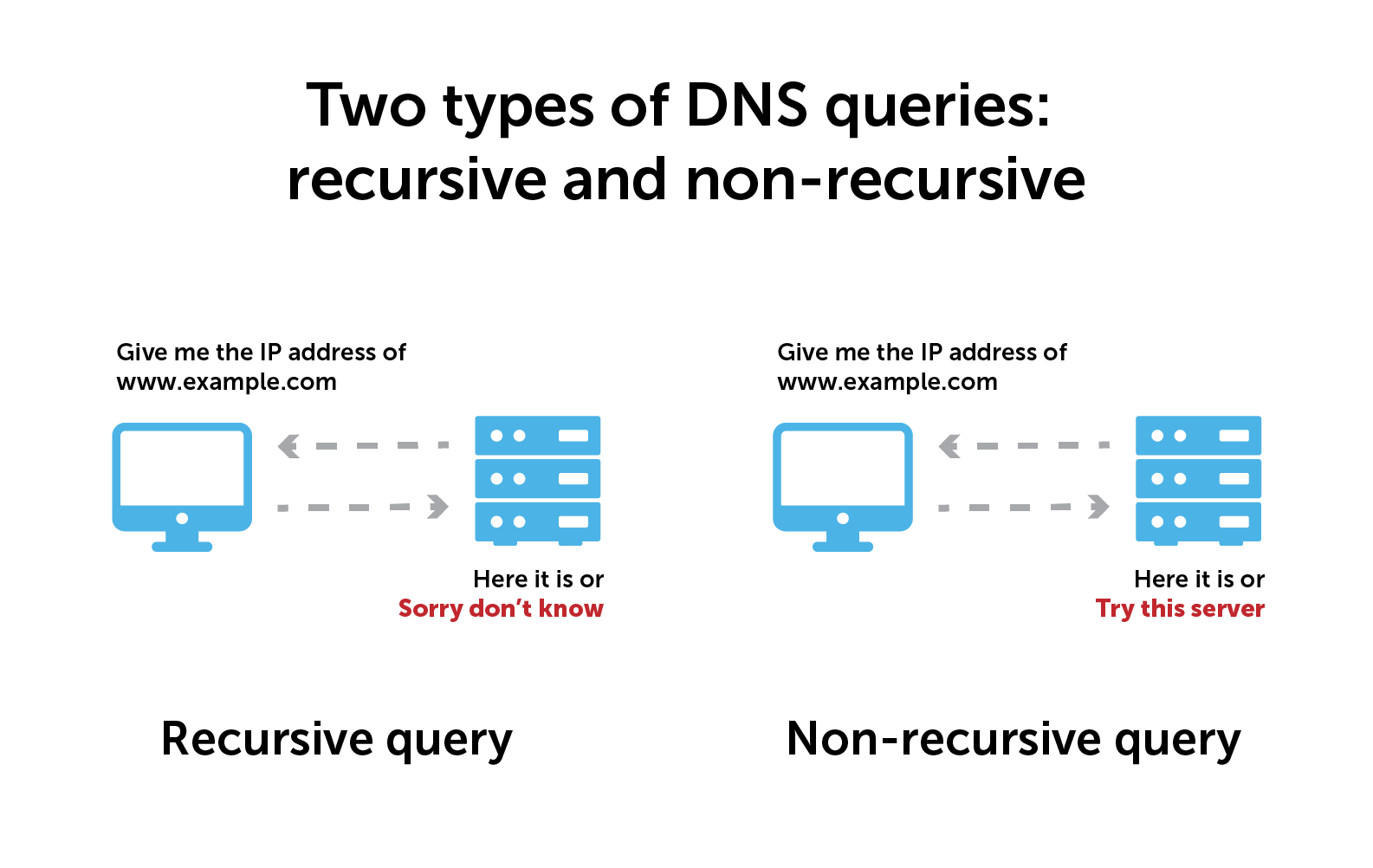
Queries, also known as DNS lookups, are happening all the time. Some of these activities take place within your network—these internal DNS queries never make it to the public internet. In business settings, a dedicated internal DNS server resolves all of the internal DNS names inside your network.
On the other hand, for external websites, queries are sent outside of your network and rely on external servers for resolution.
How DNS servers work
There are two types of DNS servers: recursive resolvers and authoritative nameservers. The latter includes root servers as well as top-level domain (TLD) servers. (A TLD is the last part of a domain, such as .com or .org.) Authoritative nameservers are also sometimes referred to as authoritative DNS servers.
Typically, these work together in a lookup chain to deliver an IP address to a client device.
Caching
An important note: This information will often be cached locally inside the device or somewhere in the DNS server infrastructure. As a result, cached information circumvents further steps and delivers the record. Certainly, servers cache responses to resolve queries more efficiently.
Most stub resolvers are also designed to cache records for a while, known as the time to live (TTL). Once the TTL expires, the server needs to resolve the query again.
Eight steps to a DNS lookup
Many scenarios require a DNS lookup. Here are eight basic steps for a very common one, using a web browser:
- A user types example.com into a web browser. After that, the client device asks for IP address information and tries to find the answer locally on the device. If it can’t, the next step is a…
- Recursive resolver. This is a type of DNS server between a client and authoritative name servers. (An internet service provider (ISP) usually provides a recursive resolver. However, some may opt to use a public DNS resolver.) After receiving a query, a recursive resolver will either respond with cached information or send a request on to a…
- Root nameserver. This is the first step in translating domain names to IP addresses. Its main job is to point to other more specific server locations. It responds to the resolver with the name of a TLD nameserver, which stores the information for its domains.
- The recursive resolver sends a request to the TLD nameserver.
- The TLD nameserver responds with the names and possible IP addresses of the requested domain’s authoritative nameservers.
- The recursive resolver sends a request to the authoritative nameserver. At the end of the lookup chain, this server holds and is the final arbiter of resource records. As the last stop in the process, this server can return the record needed by the web browser.
- The authoritative nameserver returns the requested data to the recursive resolver.
- The recursive resolver responds to the web browser with the requested data and the user gets their answer.
Certainly, queries don’t always resolve successfully. If they don’t, DNS response codes can provide clues as to what the problem may be.
DNS advanced concepts and deployment best practices
Now that you know what DNS is, you can better appreciate its role in ensuring seamless internet connectivity and navigation.
Furthermore, the domain name system is also used for various types of service discovery. For example, finding the appropriate mail server for an email address or the nearest Active Directory server.
Zones
For more effective management, the DNS namespace can be broken up into distinct DNS zones. A specific entity or administrator can manage each zone. This technique provides admins with more control over specific components, such as authoritative name servers.
However, a zone doesn’t have to be restricted to one domain name or a single server. A number of zones can exist on the same server. Furthermore, each zone typically exists on multiple servers, using automatic replication to keep the copies in sync.
Zones are separated at the dots in a domain name. This allows the TLD name server to delegate a subzone to a child domain (e.g., careers.example.com, blog.example.com).
Part of the DDI triad
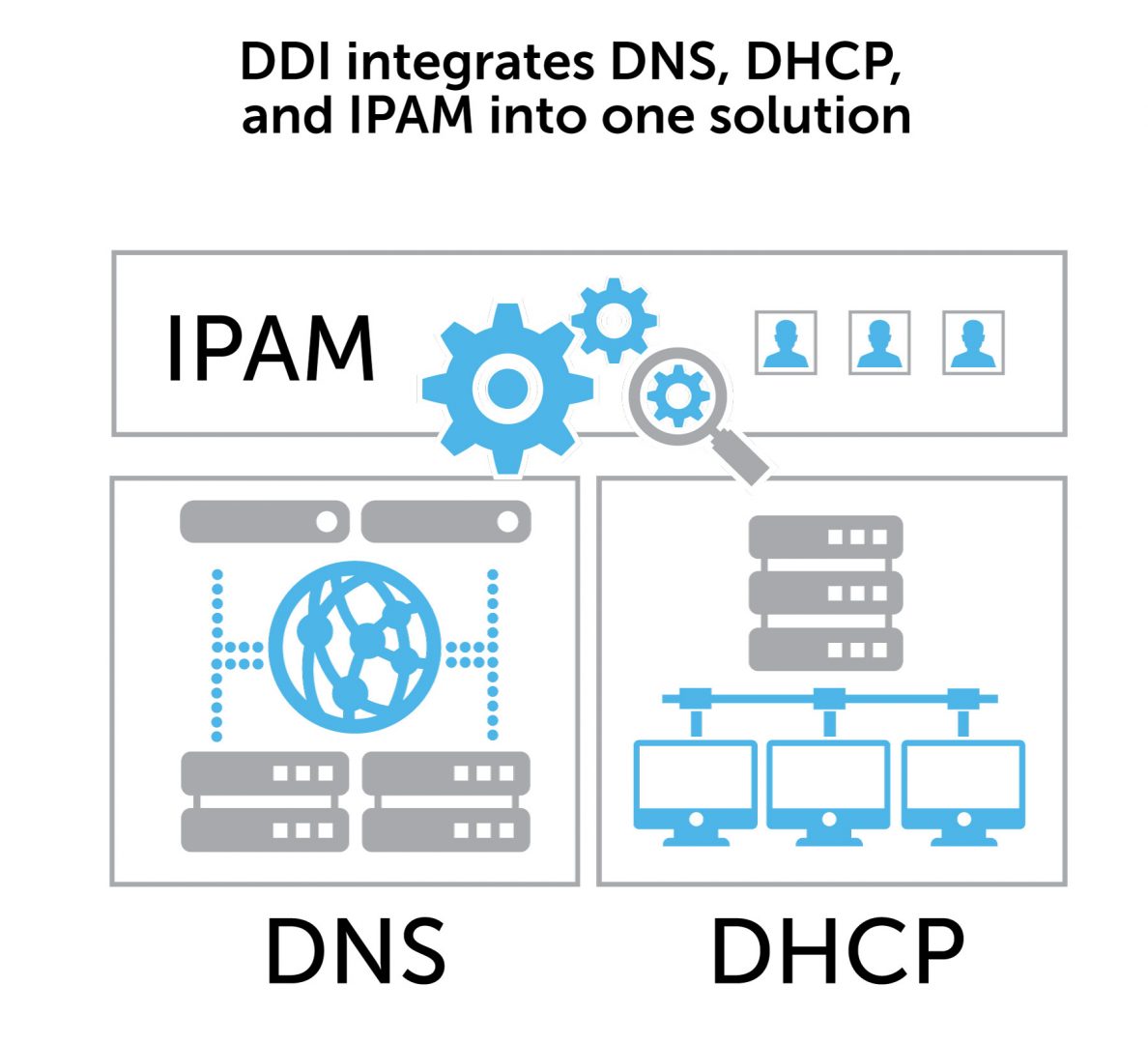
DDI stands for DNS, DHCP, and IP address management. It is often used as a shorthand acronym to describe integrating three core components of networking into one centralized management solution.
DNS provides IP addresses, DHCP assigns IP addresses, and IPAM manages IP resources. Bringing these core services together with a DDI solution can transform network management.
Architecture layers
Building out DNS services requires a layered approach to your architecture. This includes internal recursive, internal authoritative, external recursive, and external authoritative layers. To be sure, there are pros and cons to each. Learn more about available solutions to build a network foundation that is reliable, secure, and resilient.